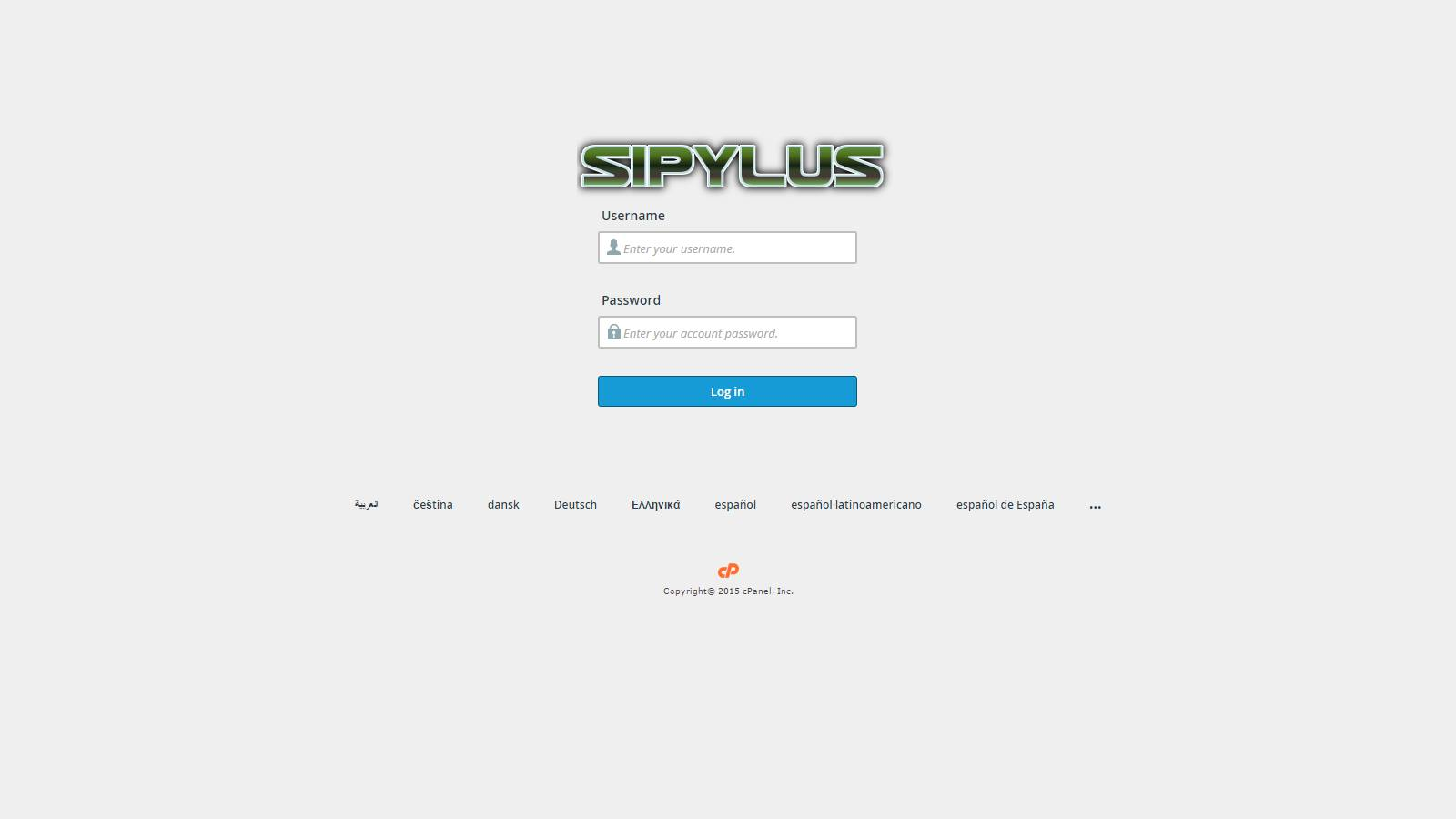
Do you need a Webmail Login with Custom Logo for your server? Well, all you need to do is the following.
1. SFTP to your server with the ROOT account.
2. Navigate to /usr/local/cpanel/base/unprotected/cpanel/images/
3. For the Webmail Login logo, save your logo over webmail-logo.png.
4. Test by going launching Webmail via http://example.com/webmail in the browser.
Note: You may want to rename the .png file before uploading your logo. Also, cPanel is planning to move from .png to .svg in future updates so plan for this accordingly.
